 01
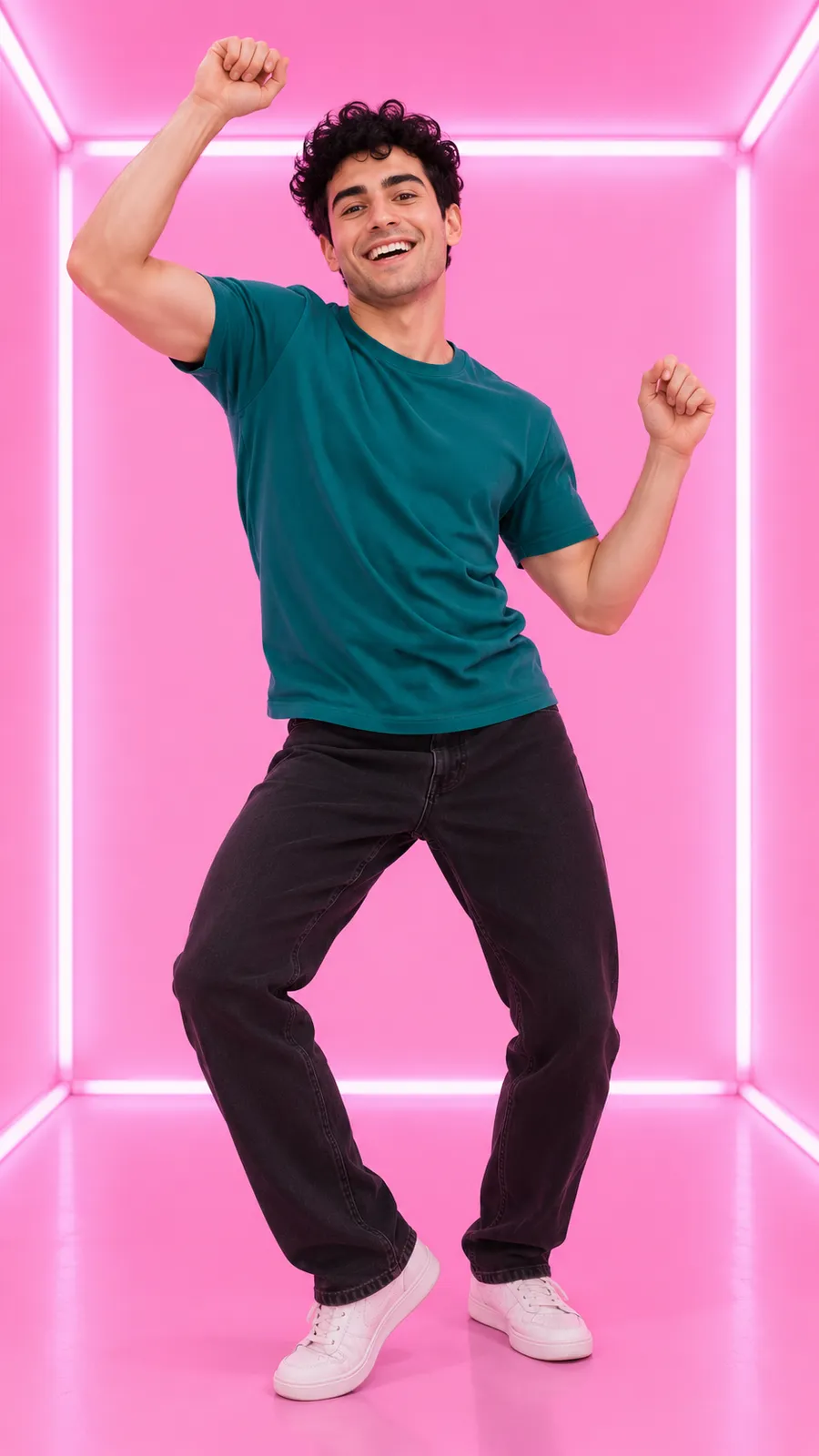
Pink room
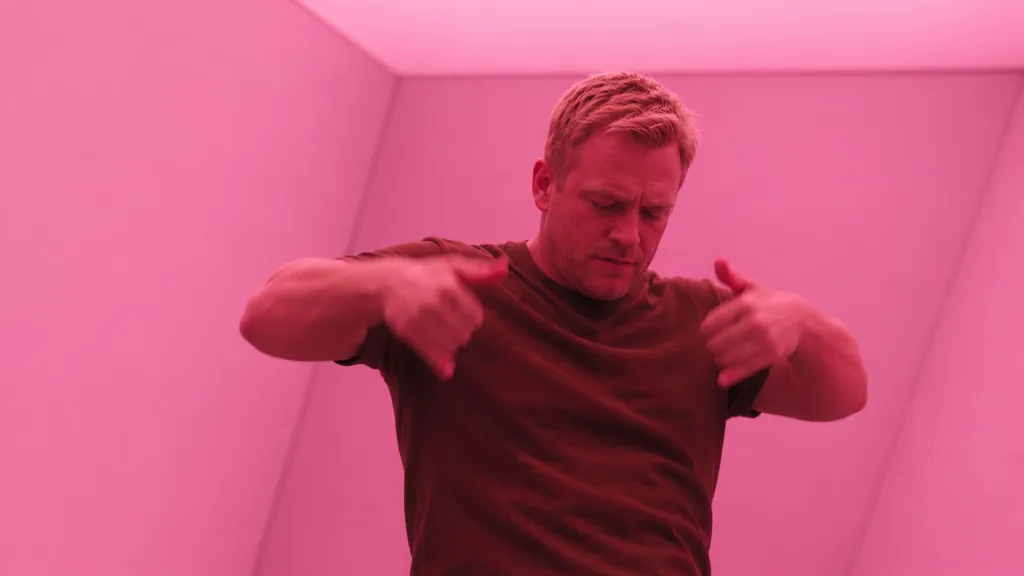
Pink room is the pink light box cut for an authorized photo of a person. The concentrated color setting keeps the idea simple: a personal dance in a glowing room, with expressions and details that may change during generation.
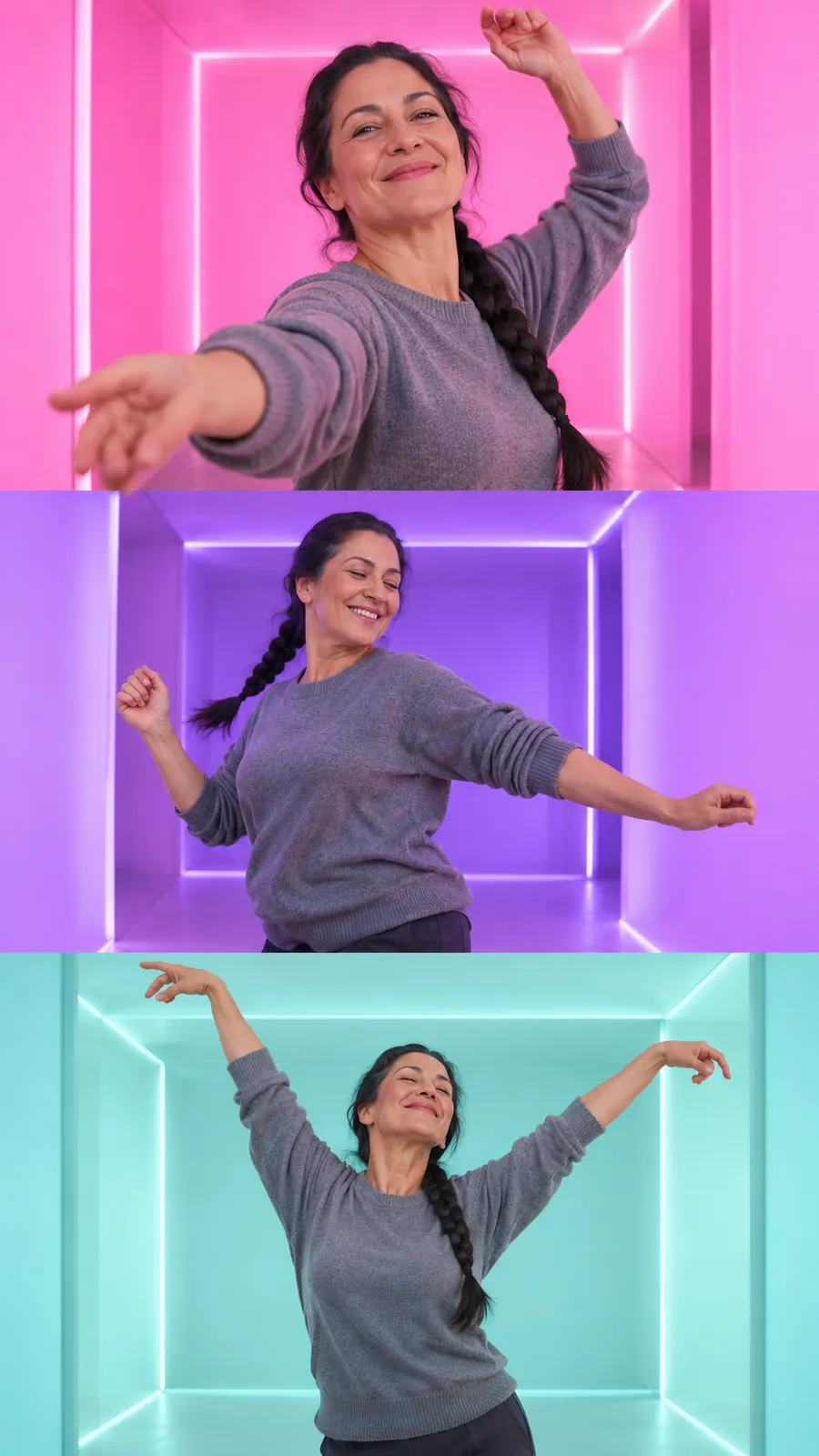
Template preview
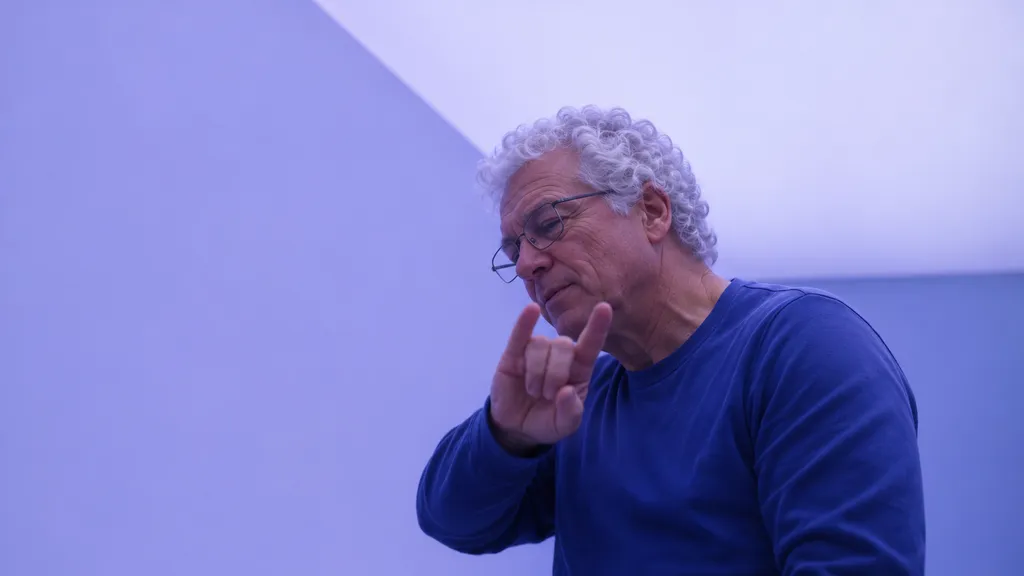
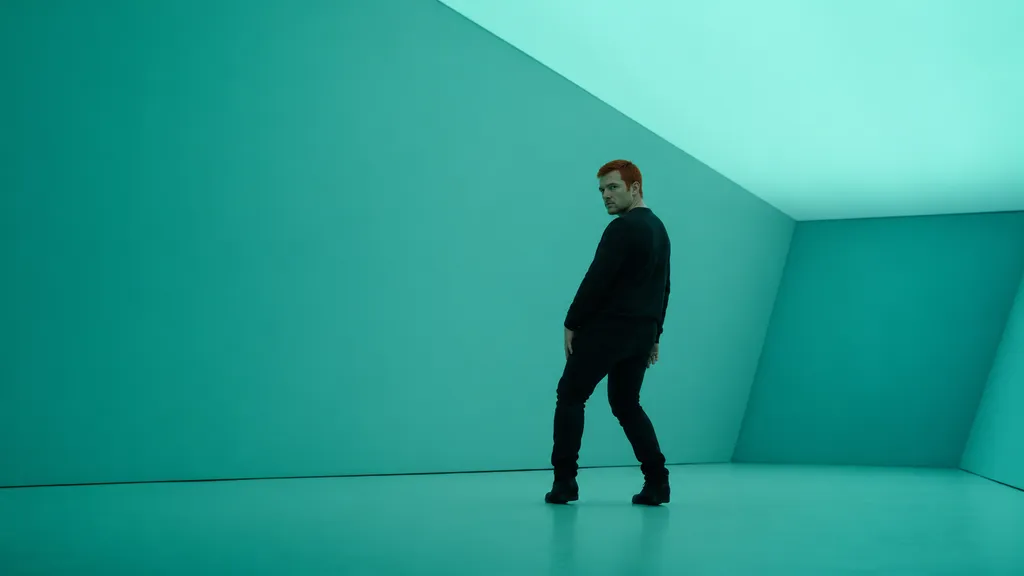
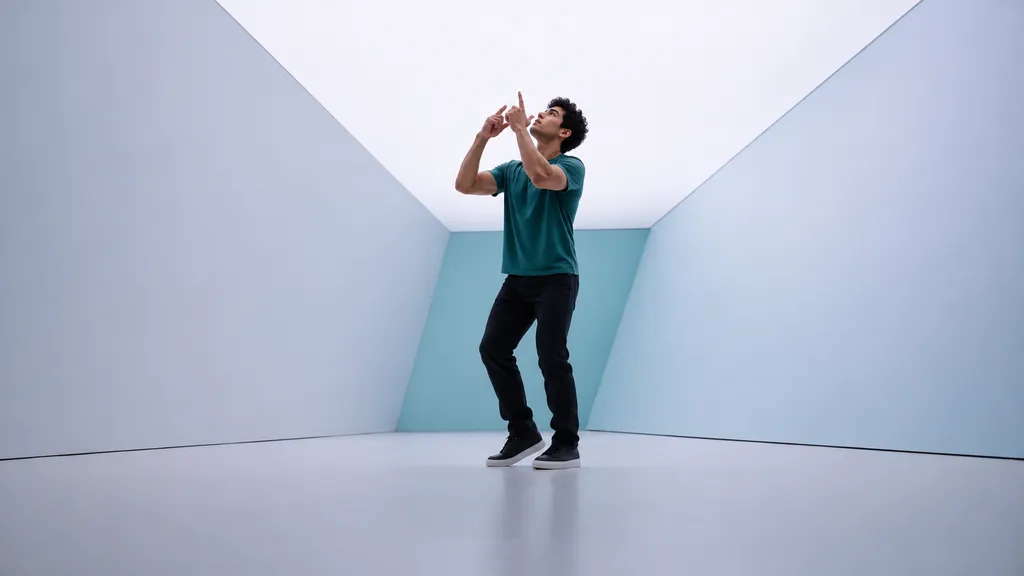
Full dance is the longer cut that moves through pink, violet and pale teal light box rooms. Two dancers take turns on screen, so it has a second optional photo slot: the first person opens in the pink room and the second replaces the dancer in sunglasses. With a single photo, the same person plays both parts.
| Scene | Pink, violet and pale teal light box rooms |
|---|---|
| Action | Dance through changing color rooms |
| Reference | Clear person photo with a visible face |
| Dancers | Two parts, second photo optional |
Selected template
Full dance
Full dance is the longer cut that moves through pink, violet and pale teal light box rooms. Two dancers take turns on screen, so it has a second optional photo slot: the first person opens in the pink room and the second replaces the dancer in sunglasses. With a single photo, the same person plays both parts.
Who dances*
One person, face clearly visible, good light, upper body or full body. Use only photos you have the right to use.
Second dancer (optional)
A second person for the dancer in sunglasses. One person, face clearly visible, good light. Skip this and the first person plays both dancers. Use only photos you have the right to use.
Quality
Your photo stays in your browser until you select Generate video.
If no video is delivered, its credits return to your wallet for a new generation.
These frames are simulated from the template video with fictional people. They are not results from real customers.
The longer cut suits an idea that needs visual progression through pink, violet and pale teal rooms. For a group chat, a fictional adult such as Morgan could send a personal dance with a short explanation that it was generated. Choose this cut for the changes of setting rather than an expectation of extra editing controls. It follows the prepared sequence and does not let you rearrange the rooms or choose an exact gesture.
Choose an evenly lit upper body or full body photo so the reference face remains easy to read before the room lighting changes. Avoid a reference dominated by colored stage lights, reflective glasses or a silhouette. The longer sequence gives you more transitions to inspect, so check the person through each color change after generation. Stronger input detail can help preparation, but it cannot promise stable clothing or identical features throughout.
Watch the entire sequence instead of approving it from the opening frame. Look for changed facial features during movement and inspect the hands when the dancer crosses the different color settings. Room transitions can make an unwanted change less obvious at normal speed. If you share a clip, explain that the dance was generated from a photo. The template does not supply or license the song, so arrange your own sound on the posting platform.
Yes. The Full dance template has a first photo slot and an optional second photo slot. The first person takes the part that opens the clip in the pink room and returns in the violet and pale rooms. The second person takes the part of the dancer in sunglasses who appears in the deep pink and teal rooms. The two parts never share a shot, so each photo only needs to show one person with the face clearly visible. If you add only one photo, that person plays both parts through the whole sequence. Use only photos you have the right to use and make sure both people agree to appear in the video.
Use 1 clear portrait of an adult with permission. Try a front facing photo in even light. Your browser converts readable images to JPEG with a longest edge of 2048 pixels. The submitted JPEG must be at most 10 MB, with a shortest edge of at least 512 pixels and a longest edge no greater than 4096 pixels. If HEIC will not open, use JPG or PNG.
You receive an MP4 video without a watermark. There are 2 available templates. The selected template sets the scene and action. Face shape, motion and expressions can change. Results vary and the template limits what can be replaced. Credits return when no video is delivered. A delivered video keeps its credits.
Completed videos are available for 7 days after completion. Download a copy to keep it longer. Browser storage can be cleared or become unavailable, so it is not a permanent backup.
Add your photo to try this scene.