 01
Duo
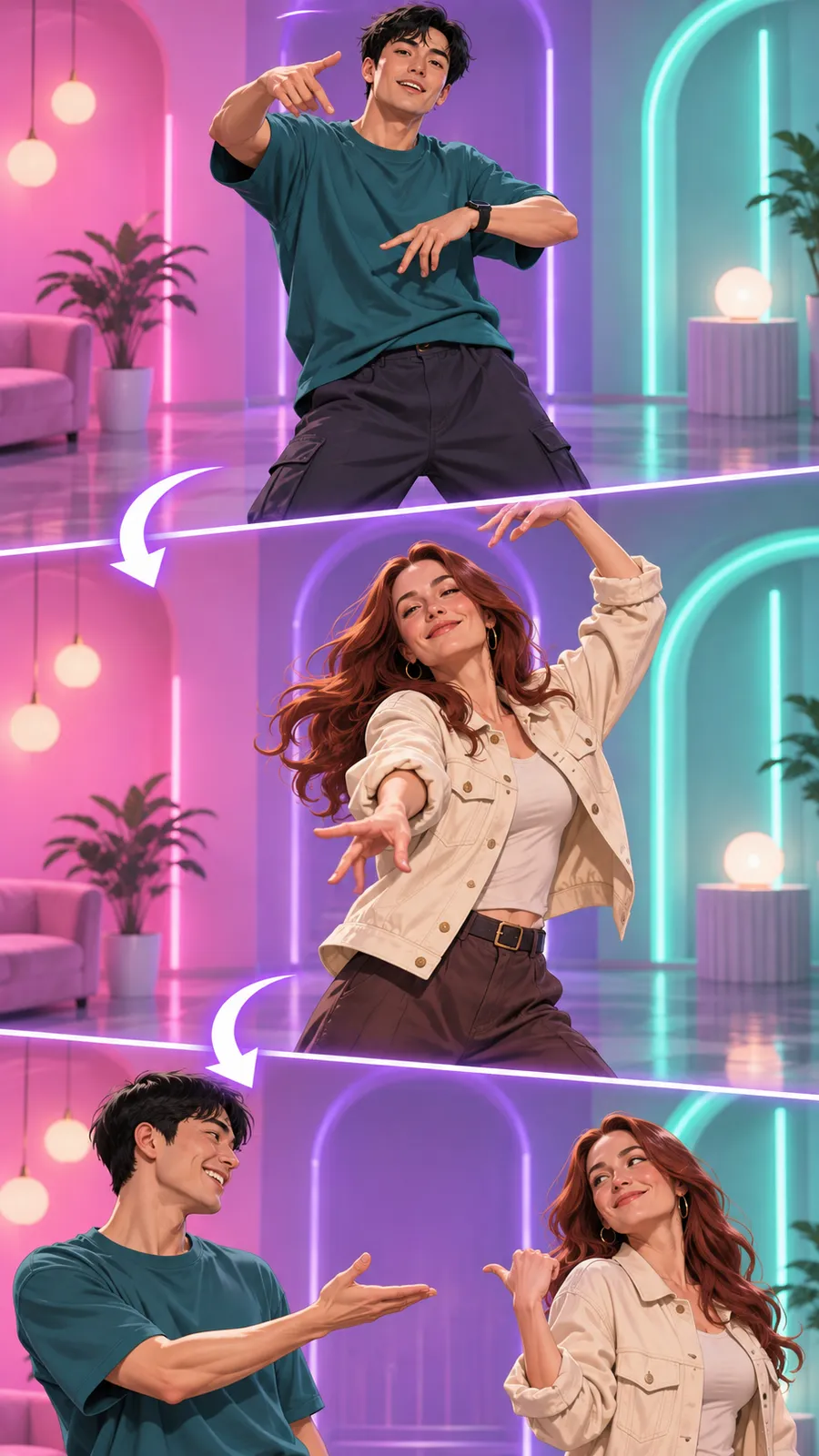
Two people take turns in the dance through colored rooms. Add a separate portrait for each partner. The clip keeps the template’s choreography and soundtrack.
Hotline Bling from your photos
Turn two photos into a Hotline Bling video that keeps the template’s dance and soundtrack.
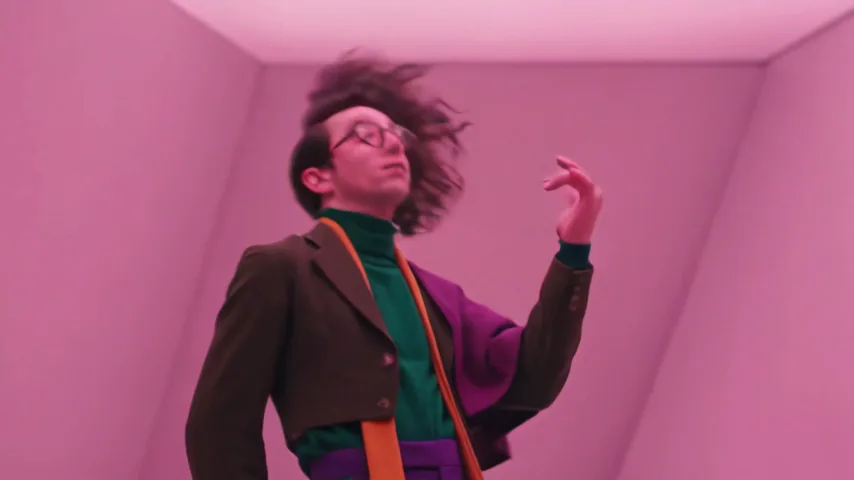
This video was generated with our tool. Watch the dancers in colored rooms.
Selected template
Duo
Two people take turns in the dance through colored rooms. Add a separate portrait for each partner. The clip keeps the template’s choreography and soundtrack.
First dancer*
One person per photo. Show the face or full body in even light.
Second dancer*
One person per photo. Show the face or full body in even light.
Quality
Your photo stays in your browser until you select Generate video.
If no video is delivered, its credits return to your wallet for a new generation.
02 Pick a template
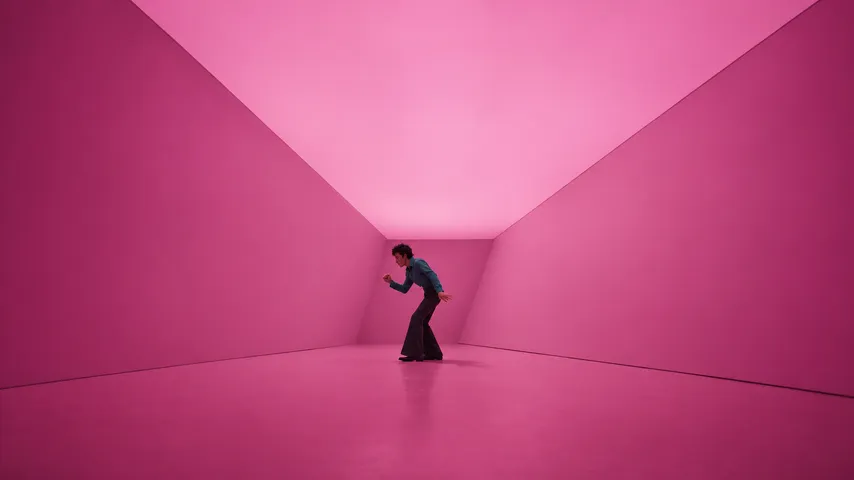
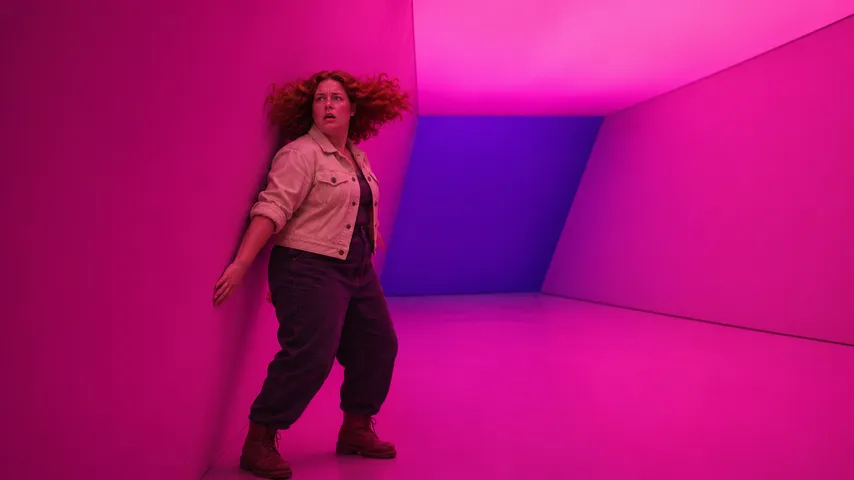
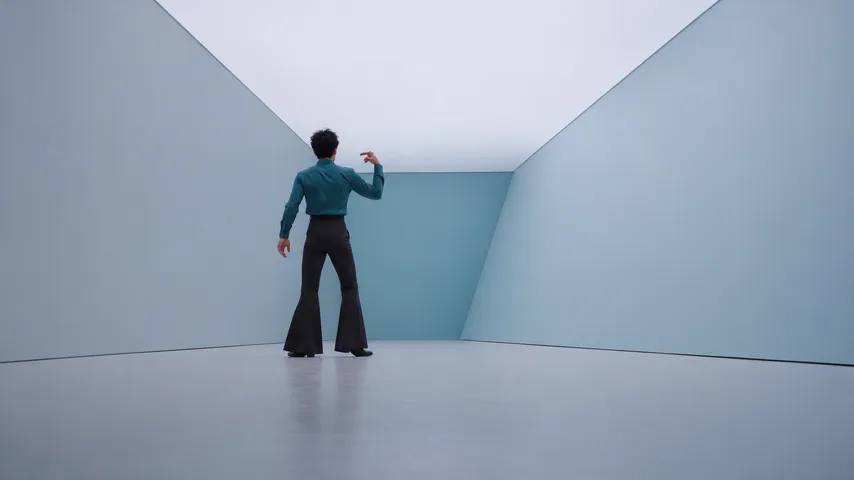
01Two people take turns in the dance through colored rooms. Add a separate portrait for each partner. The clip keeps the template’s choreography and soundtrack.
 02
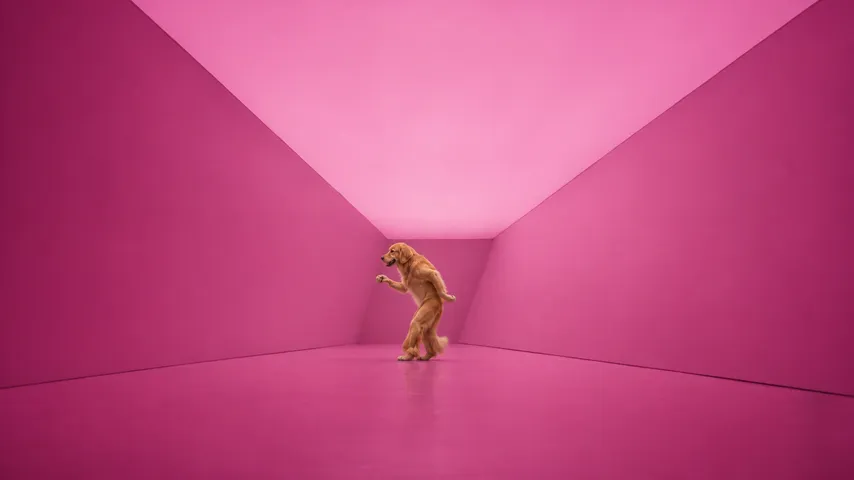
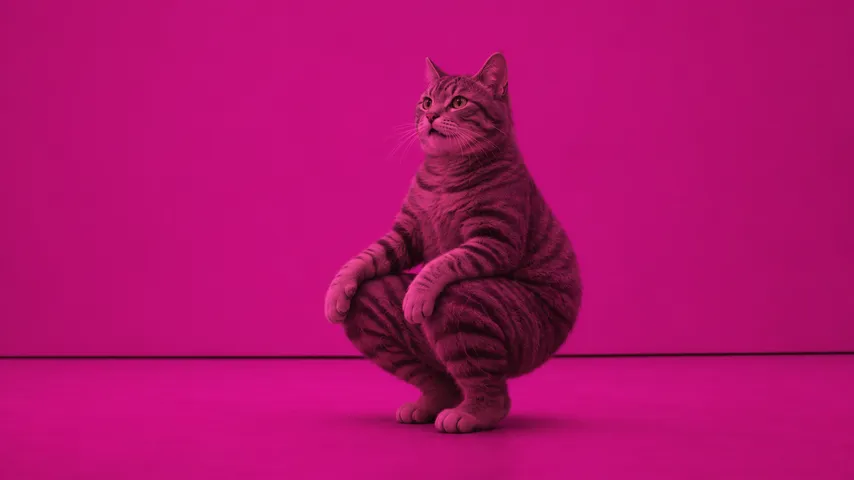
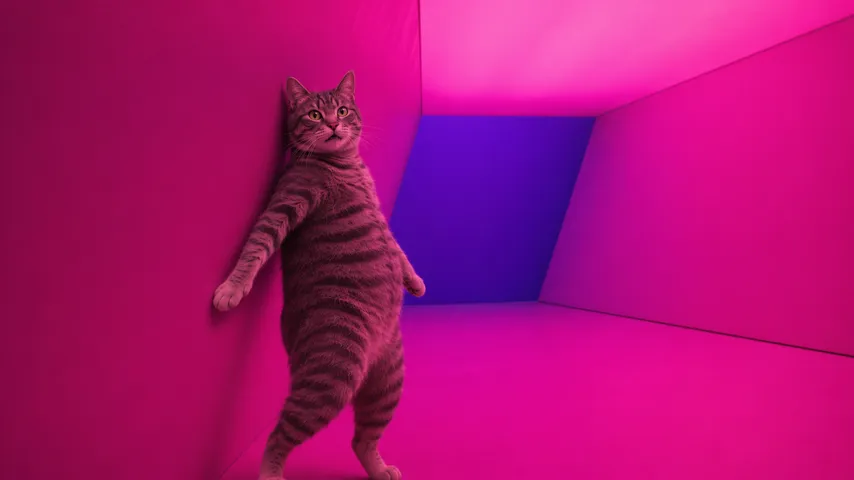
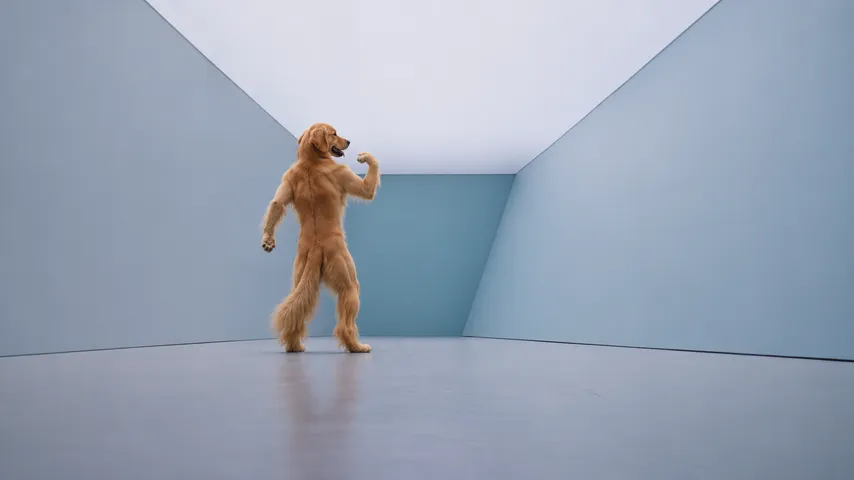
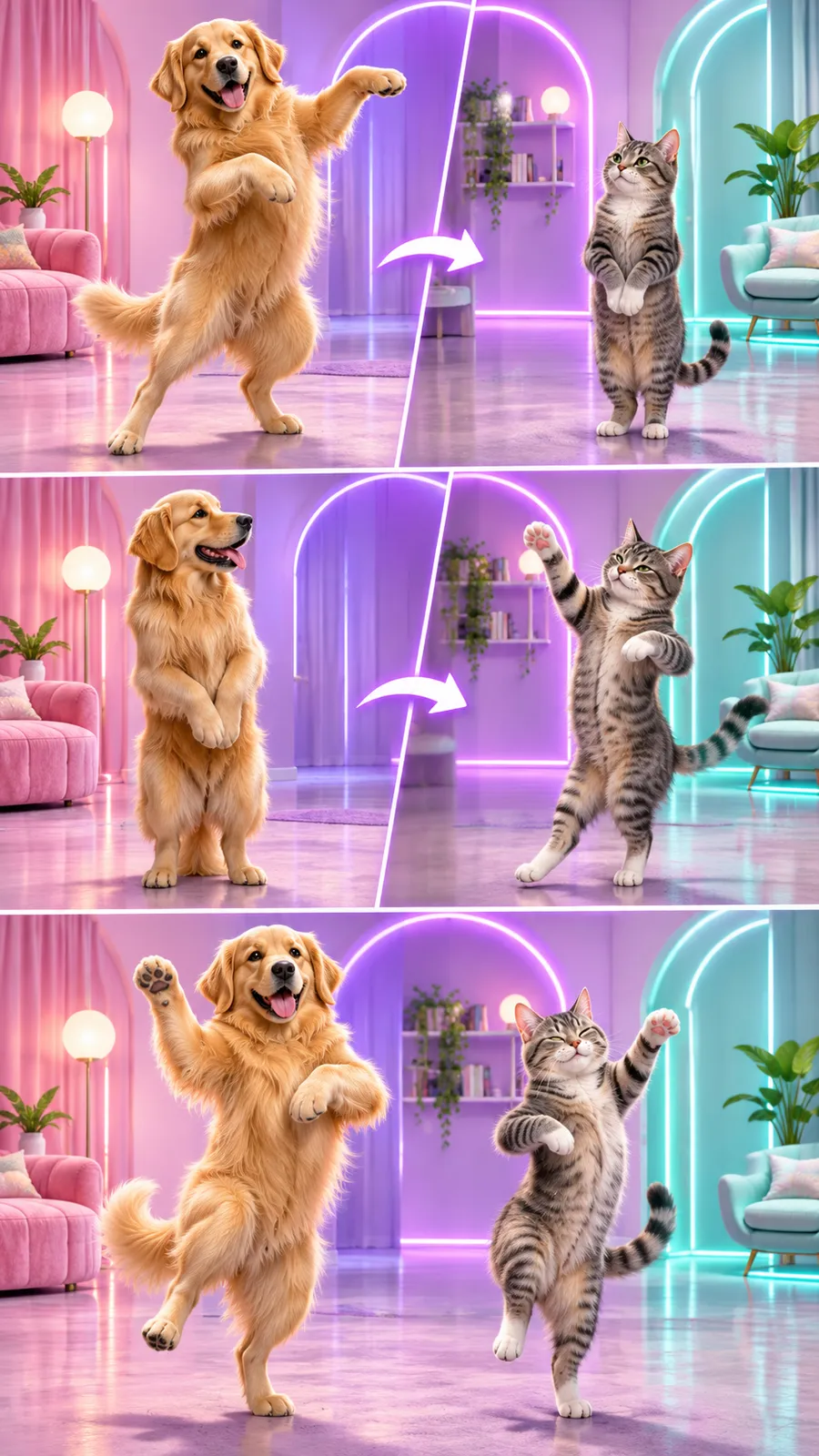
Two pets dance upright through the Hotline Bling template’s colored rooms. Add a separate photo for each animal. Paws follow the hand movements in the template’s sequence.
 03
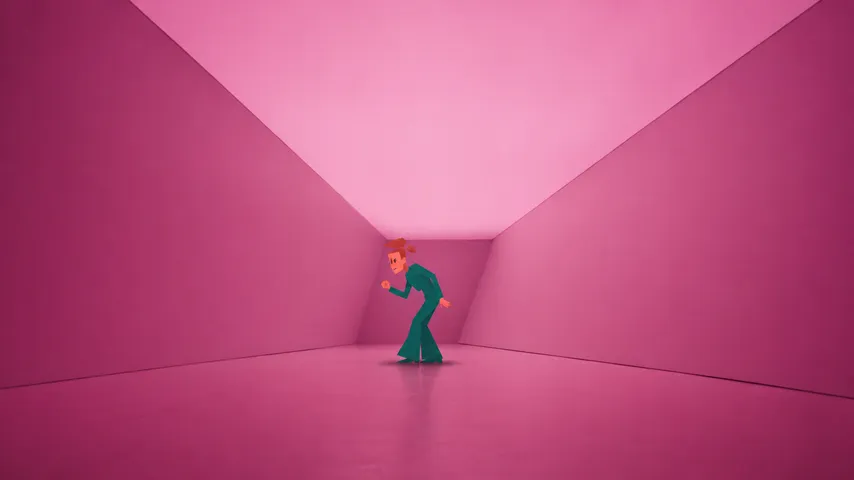
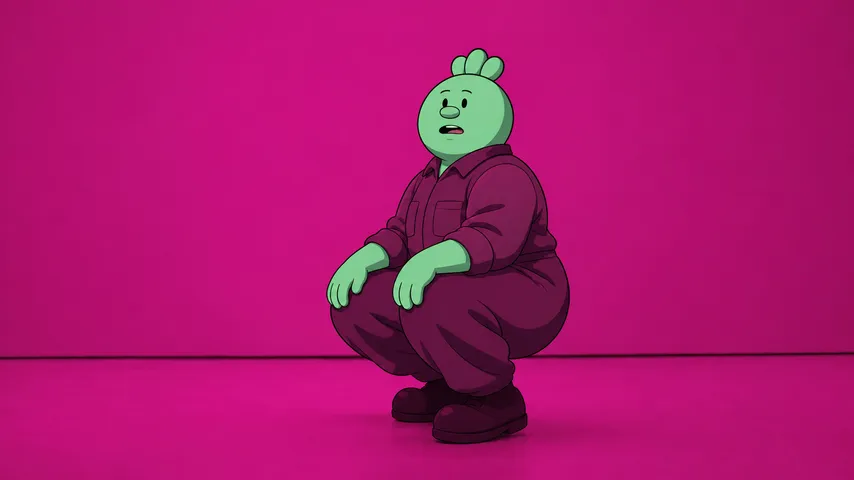
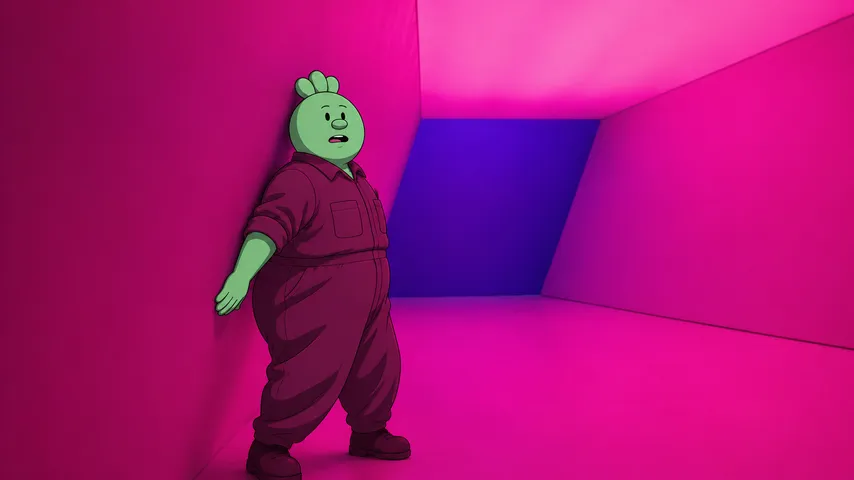
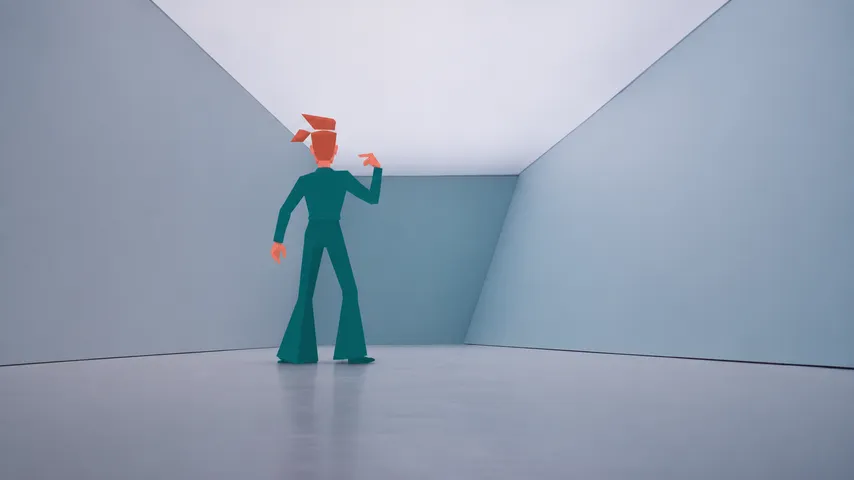
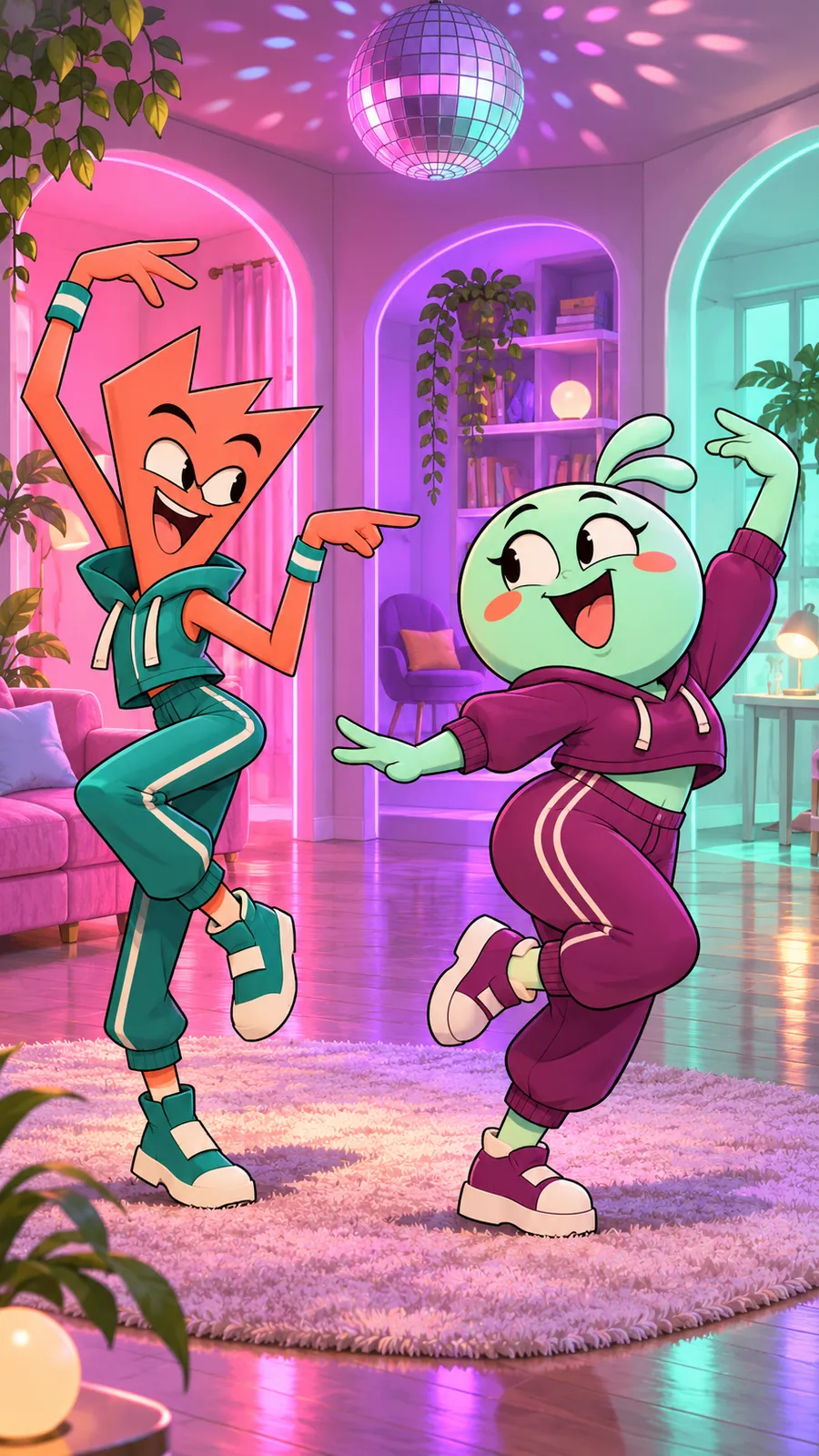
Two cartoon characters take turns in the Hotline Bling room dance. Add separate images of your drawings, avatars or mascots. The clip keeps the template’s shots and music.
Illustrated scene ideas
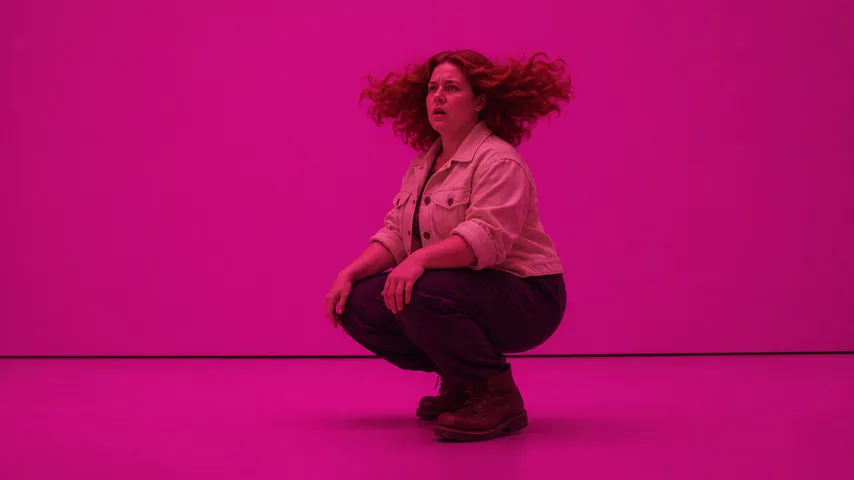
These frames are simulated from the template video with fictional people. They are not results from real customers.
Three steps
Choose Duo, Pets or Cartoon for your cast.
Choose a clear image for each dancer, then check both previews.
Generate your dance and save the MP4 to your device.
Your finished clip
Hotline Bling Morph helps creators, friends, couples and meme fans make Hotline Bling videos. This browser tool turns two uploaded images into a dance video for friends, couples and meme fans. Choose people, pets or cartoons and add an image for each dancer. You write no prompts. The two dancers take turns in colored rooms.
What is Hotline Bling?Focus and lighting
Choose a sharp portrait with the whole face visible.
Light both sides of the face to show the eyes clearly.
Keep the face or whole character visible in each image.
Export HEIC images as JPG or PNG if they do not open.
Before you generate
Yes, this tool makes dance videos from your uploaded images in your browser. Choose Duo for people, Pets for animals or Cartoon for drawings and avatars. The finished clip includes its soundtrack and downloads as an MP4 in 480p or 720p.
Choose Duo and upload a clear photo of yourself plus your dance partner. Put yourself in First dancer to open the clip. Add your partner to Second dancer and check both previews. Choose 480p or 720p, accept the terms and generate. Download the MP4 when your dance is ready.
Use Duo to replace the characters while the tool keeps the choreography of its prepared clip. Upload your portrait for the opening dancer and a second portrait for the other role. The existing footage supplies the steps, shots and soundtrack. Select 480p or 720p and generate. Your images change who appears in the dance.
Choose a template here and upload an image for each dancer. The instructions are already set for the dance, so you write no prompt. Select Duo, Pets or Cartoon to match your images. Check both previews, pick your quality and generate. Save the finished clip from the result page.
Hotline Bling Morph is a paid tool with one time credit packs from $9.90 USD. Most general video generators ask for written prompts and charge for each attempt. Here, the instructions are already set for the dance. Upload your photos and receive your finished clip within 30 minutes.
Yes, but each new attempt uses credits again. A delivered video uses its credits. AI video tools charge for each generation, including Runway and Kling. The result depends on your photos, so use sharp, front-facing images in even light. Check both previews before paying for another attempt.
This browser tool turns two uploaded images into a dance video for friends, couples and meme fans. Choose people, pets or cartoons and add an image for each dancer. You write no prompts. The two dancers take turns in colored rooms.
Choose Duo, Pets or Cartoon to match the pair you want in the dance. Add the opening performer to First dancer and the next performer to Second dancer. Check both previews and choose your quality. Accept the terms, generate your video and save the MP4 from the result page.
You get a 14.9-second landscape MP4 with sound included. Choose 480p or 720p before generating. The 3 templates cover people, pets and cartoon characters. Each clip shows two dancers taking turns through pink, violet and pale teal rooms. Save the file to play it on your device.
A 480p video uses 1 credit and a 720p video uses 2 credits. 1 credit: $9.90 USD. 2 credits: $19.90 USD. 5 credits: $39.90 USD. Packs are one time purchases. Credits never expire. Buy credits by card or PayPal and keep your recovery code to open the same wallet on another device.
Use a sharp face or full body photo in even light. Keep the subject clearly visible in each image. Each JPG or PNG accepts up to 10 MB. Keep the shortest edge at least 512 pixels and the longest edge at most 4096 pixels.
Your finished video arrives within 30 minutes after you upload your photos and start generation. The template already contains the dance instructions. Check the result page or wallet for progress. When the clip is ready, download the MP4 to your device.
Yes, the video at the top of the homepage was generated with this tool. Watch the dancers through the room changes and turn on sound to hear the included music. The template cards show separate scene illustrations.
Yes, this tool puts your chosen people into a prepared dance clip. Drake made the original music video. Upload a single photo for each role. The photos supply the people while the rest of the clip stays as prepared.
Yes, one press of Generate video starts the dance after you prepare both images. Choose your template, add a photo for each dancer and select a quality. Accept the terms before starting. Use your wallet balance or buy a credit pack. The tool then makes the clip without further editing steps.
| Credits | Price |
|---|---|
| 1 credit | $9.90 USD |
| 2 credits | $19.90 USD |
| 5 credits | $39.90 USD |
Hotline Bling pricing
One-time purchase. No subscription. Card or PayPal.
Put your pair in the dance