 02
Pets
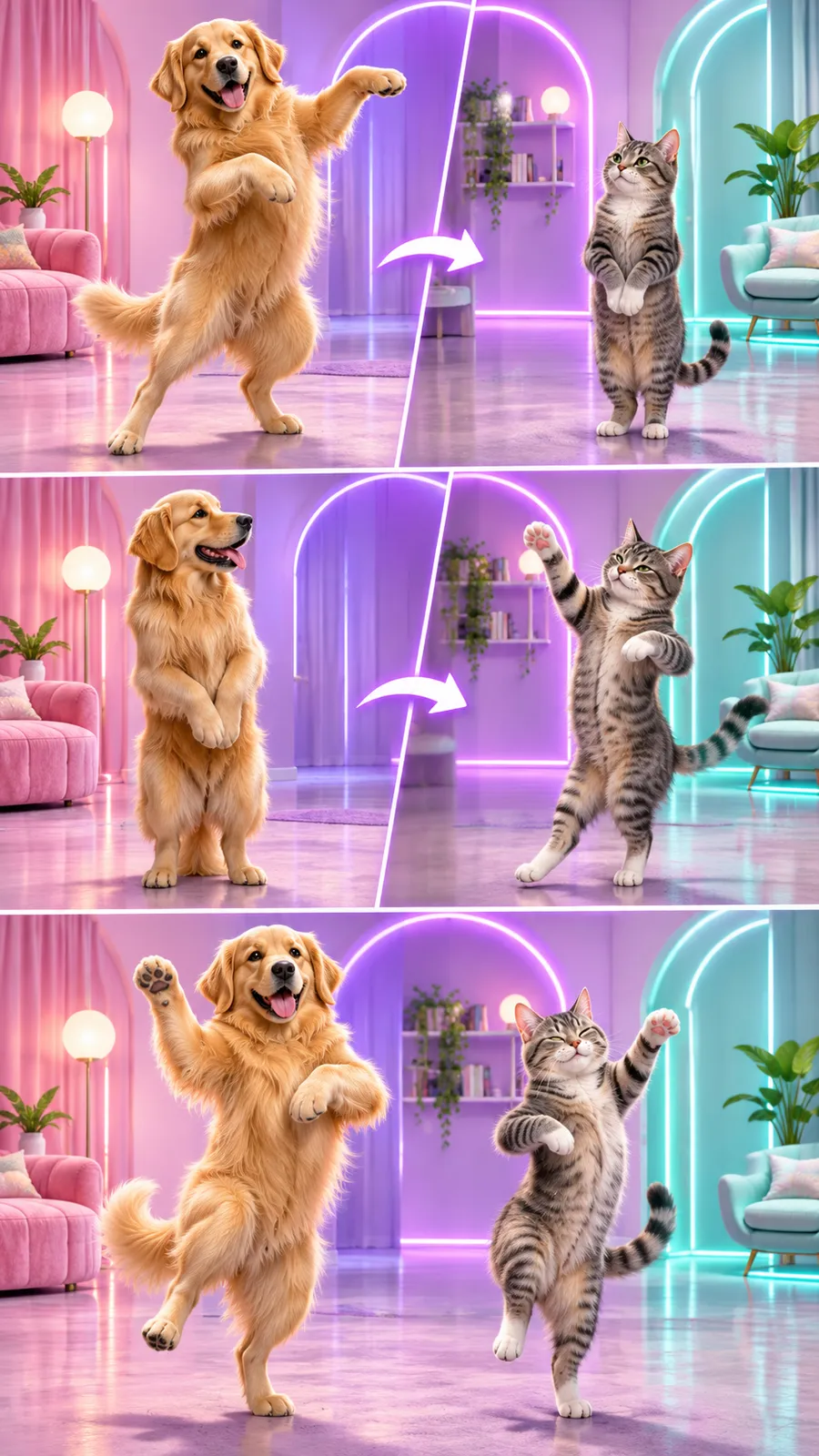
Two pets dance upright through the Hotline Bling template’s colored rooms. Add a separate photo for each animal. Paws follow the hand movements in the template’s sequence.
Template preview
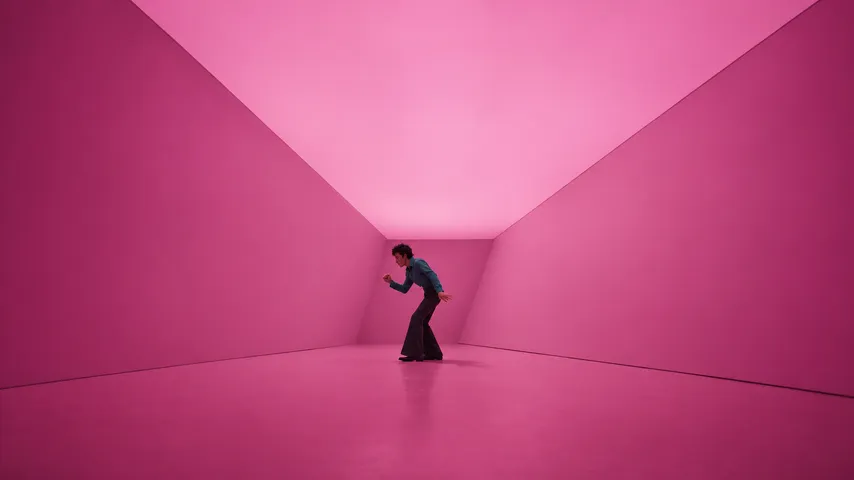
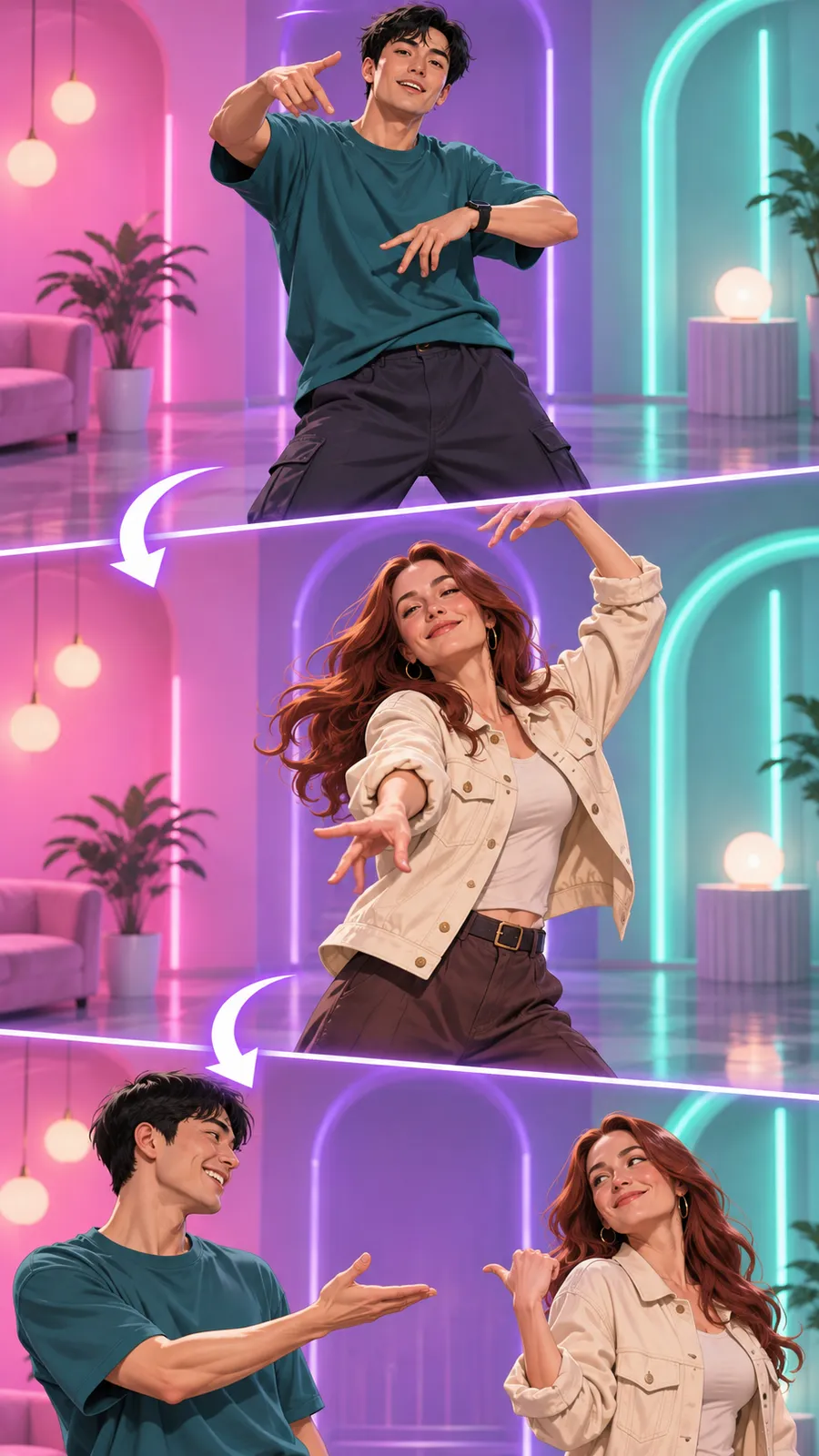
Two people take turns in the dance through colored rooms. Add a separate portrait for each partner. The clip keeps the template’s choreography and soundtrack.
| Cast | People |
|---|---|
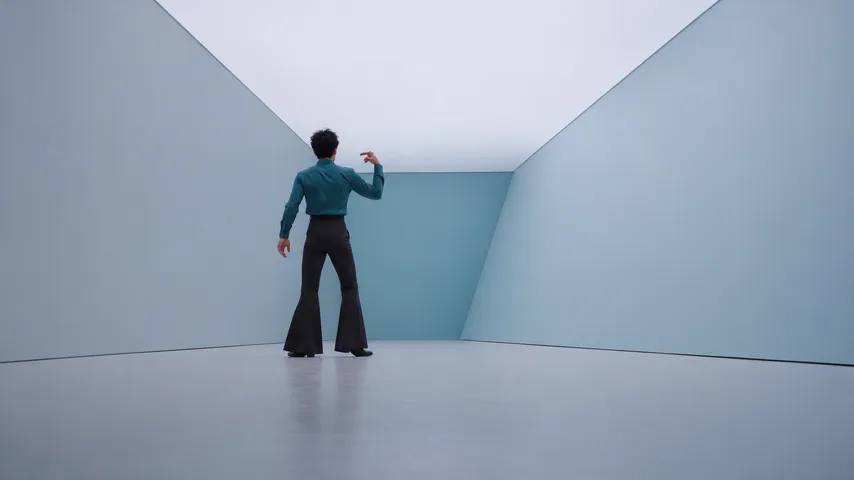
| Scene | Pink, violet and pale teal rooms |
| Action | Dancers take turns |
| Quality options | 480p or 720p |
| Photo slots | Both dancer photos required |
| Orientation | Landscape |
| Audio | Clip soundtrack included |
| Length | 14.9 seconds |
Selected template
Duo
Two people take turns in the dance through colored rooms. Add a separate portrait for each partner. The clip keeps the template’s choreography and soundtrack.
First dancer*
One person per photo. Show the face or full body in even light.
Second dancer*
One person per photo. Show the face or full body in even light.
Quality
Your photo stays in your browser until you select Generate video.
If no video is delivered, its credits return to your wallet for a new generation.
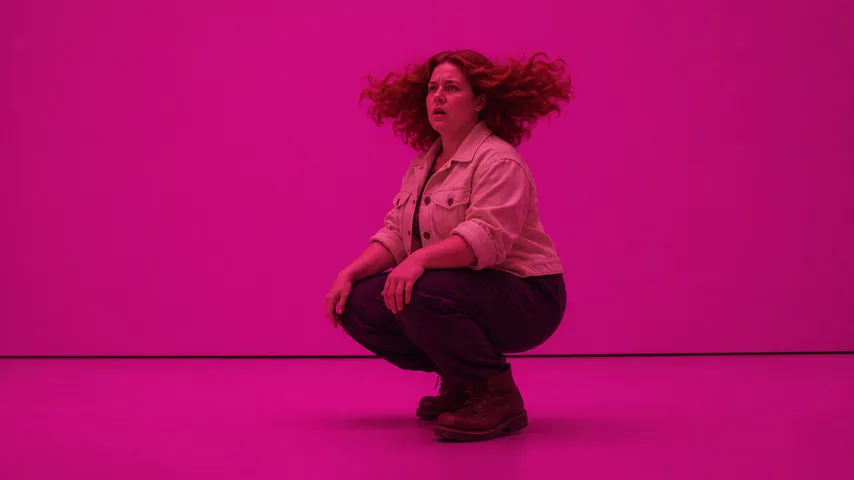
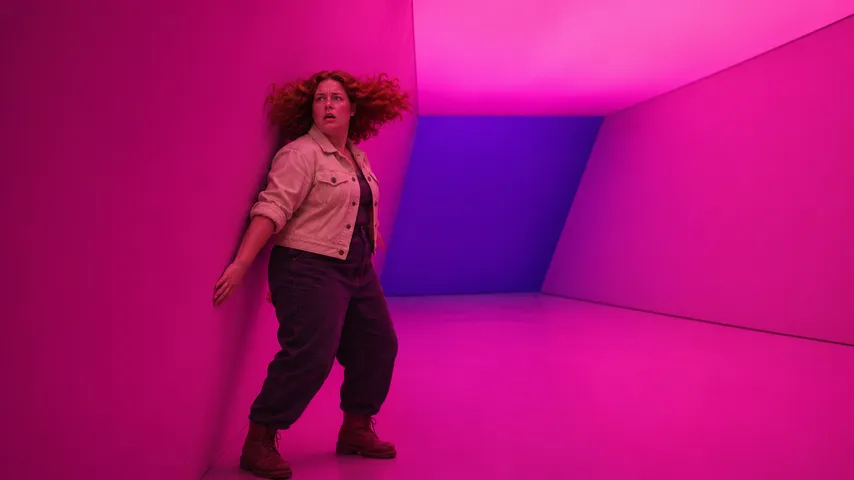
These frames are simulated from the template video with fictional people. They are not results from real customers.
Choose Duo for two people, such as partners or friends. Each person appears alone in their own shots. A birthday greeting puts the guest of honor first and a friend second. An anniversary clip uses a portrait of each partner. Pick the order before uploading so the opening face matches your greeting. The pair follows the same room sequence with the soundtrack included.
Use a separate, evenly lit portrait for each person. Show the whole face with the eyes in focus. A full body photo also supplies the person’s outfit and shoes. Keep space around the head and shoulders. Open each original image before selecting it, then check that both previews show the intended person. Keep glasses and headwear visible if you want them in the dance.
Put the opening person in First dancer and their partner in Second dancer. The first role starts in the pink room. The second role follows in its own shots. Your portraits supply the faces, hair and clothes. Check the order in both previews before generating, especially when the two photos have similar backgrounds. The partner keeps the second role through the later room changes.
Your photos supply each person’s clothing and accessories. Choose an image that shows the outfit you want, including glasses or headwear. The colored room light tints the person during the dance. A clear shirt outline helps you recognize the opening performer in wide shots. Use a different outfit for the partner if you want an obvious contrast. Check the face as well as the clothes in each Hotline Bling preview.
02Two pets dance upright through the Hotline Bling template’s colored rooms. Add a separate photo for each animal. Paws follow the hand movements in the template’s sequence.
 03
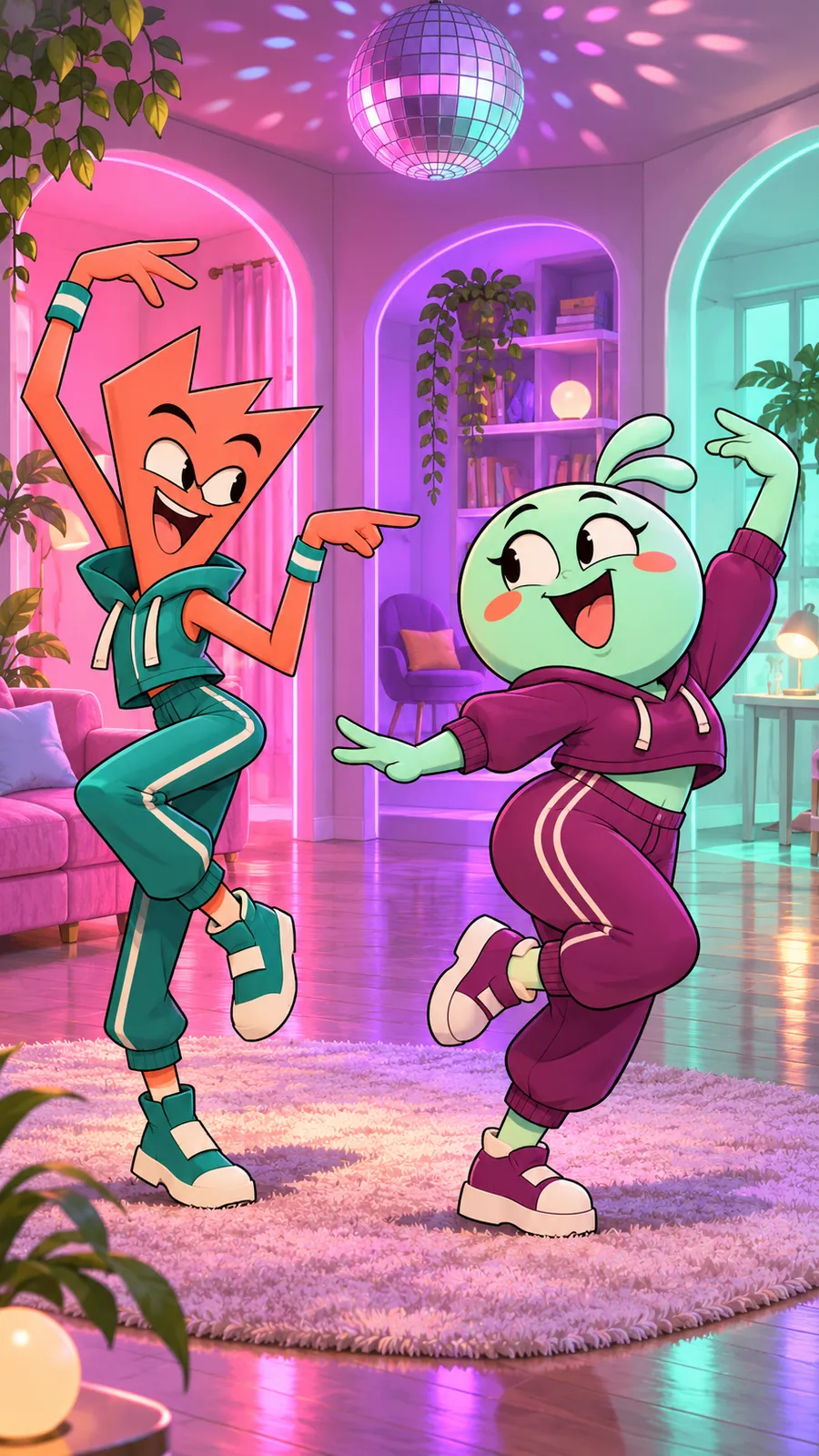
Two cartoon characters take turns in the Hotline Bling room dance. Add separate images of your drawings, avatars or mascots. The clip keeps the template’s shots and music.
Use a sharp face or full body photo in even light. Keep the subject clearly visible in each image. Each JPG or PNG accepts up to 10 MB. Keep the shortest edge at least 512 pixels and the longest edge at most 4096 pixels.
You get a 14.9-second landscape MP4 with sound included. Choose 480p or 720p before generating. The 3 templates cover people, pets and cartoon characters. Each clip shows two dancers taking turns through pink, violet and pale teal rooms. Save the file to play it on your device.
Your finished video stays available for 7 days after completion. Download the MP4 during that period and save it to your device. Play the saved copy to check the picture and soundtrack. Keep your recovery code if you want to open your wallet from another browser.
Add two images to make this dance.